


Choose for shopping tasks, not the cover image
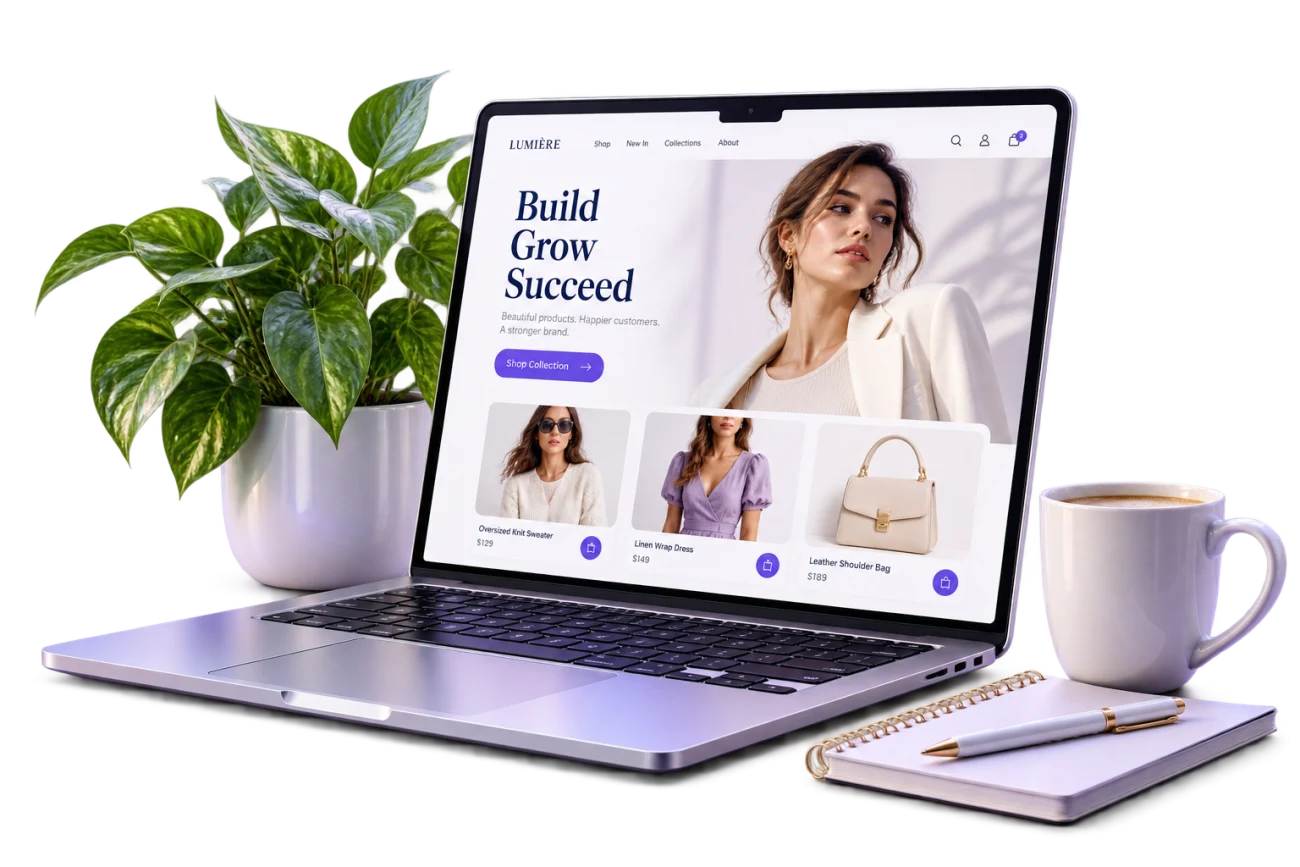
A theme's first impression may come from its colors and photography. Its business value becomes clearer when a customer uses it. Can visitors understand the assortment, locate a relevant category and compare product information on a phone? Good design reduces the effort required for those tasks while expressing the brand. Decoration that competes with the product can make an attractive interface less useful.
When preparing a store with SDK4TAJIR, review the designs actually available and the relevant plan conditions. Do not assume a promotional image promises every behavior you imagine. Define your needs, then test a candidate with content similar to your own. That helps you choose a useful structure instead of reshaping the business around an appealing but unsuitable presentation.
Identify the decision your customer must make
List what a buyer needs to know about a representative product. Clothing may require size, material and multiple views. Homeware may need dimensions, care information and context of use. Gift purchases may depend on occasion, packaging and preparation time. There is no universal information order: the presentation should follow the questions that matter to the customer.
Select three practical tasks, such as locating a known item, browsing an unfamiliar category and finding delivery information. Try them in each shortlisted design. A small catalog may not need elaborate menus; a larger assortment may depend on clear category labels. Remove options with no clear purpose rather than adding them simply because the layout has space.
Inspect the product page early
The homepage introduces the business, while a product page supports a decision. Check image clarity, the product name and price, the position of descriptions and any supported options. Test a long title, a photograph with a different aspect ratio and an item with several important details. A short, ideal sample product will not reveal problems across a real catalog.
Essential information should remain easy to find among promotional elements. If product images have inconsistent backgrounds or lighting, improve that content before concluding that a theme is at fault. A layout cannot automatically repair an unclear photo or an incomplete description. Establish a consistent approach to naming and explaining products, then inspect how it appears in both lists and detail pages.
Bring mobile into the selection process
Do not wait until desktop setup is finished to test a phone. Open navigation, find an item, read the specifications and try the next steps with one hand. Look for wrapped headings, overlapping elements, hard-to-target controls and problems when text is enlarged. Use realistic Arabic content when relevant to your audience, because short sample text may hide direction or spacing problems.
Also assess how quickly essential information becomes available on an ordinary connection. Oversized photographs and autoplay video should not be prerequisites for understanding the offer. Prepare appropriate web files and consistent crops where necessary. Responsiveness is a useful starting characteristic, but your final experience also depends on the content and customizations you add, so test the actual store.
Use identity to communicate priorities
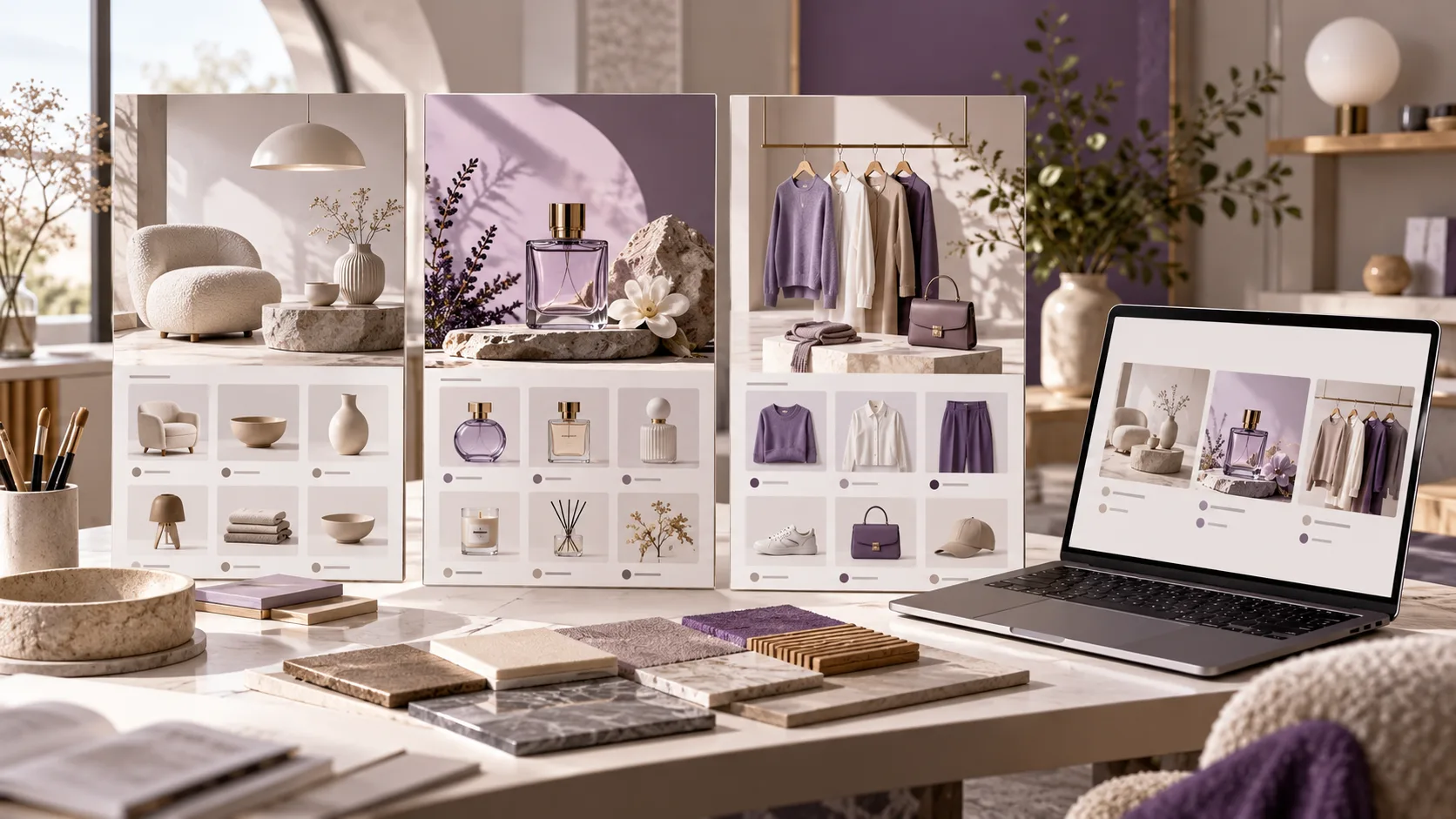
Choose a restrained palette and backgrounds that keep text readable. Make the main action visually consistent rather than giving every banner and button equal emphasis. Inspect the logo at small sizes and check text placed over photography. A sophisticated image with little separation between the product and background may become unclear in a small product card.
Treat typography as a reading tool. Distinguish headings from details, leave useful paragraph spacing and avoid sizes that force phone users to struggle. If the store uses Arabic and English, review each language with realistic content. Professional presentation does not require copying a large retailer. Consistent images, labels and messages often communicate more clearly than a large collection of effects.
Compare candidates with recorded observations
Use a short evaluation list covering product discovery, understanding, mobile tasks, brand clarity and the team's ability to maintain content. Record the actual problem under each item and whether it can be addressed through available settings. Keep comparable notes or images rather than changing direction after every new visual impression.
Ask a few people unfamiliar with the setup to perform a defined task without coaching. Treat this as a way to discover obvious confusion, not as statistically representative research. If they cannot find dimensions or delivery details, change the label or location and repeat the same task. Changing several unrelated elements at once makes it harder to know which adjustment helped.
Approve a version you can maintain
Before launch, review categories, products, destinations and essential information pages. Remove incomplete banners and expired offers from the launch content while retaining useful source material separately. Do not leave sample products or imagery that misrepresents the assortment. Assign responsibility for updating the presentation as offers and seasons change, so the design does not become a polished container for outdated information.
A suitable SDK4TAJIR design supports your offer and service, but the work continues after launch. Review repeated customer questions and misunderstandings, then improve a specific element at a time. Visual approval alone is not the measure of success. The more useful question is whether customers can understand a product and take the appropriate next step with confidence.
Frequently asked questions
Is the most expensive design always the best?
Price does not establish fit. Compare the design with your catalog, audience and available plan tools, then test core tasks using realistic product content.
Do I need a new logo and palette?
Not necessarily. Use an existing identity if it is clear and suitable, applying the available customization options consistently. Change elements that create a specific readability or recognition problem.
What is the most useful prelaunch test?
Ask a new visitor to locate a product, understand its details and identify the next action on a phone. Record hesitation and inspect the information, images or labels behind it.
Can I evaluate entirely with demonstration photos?
Use them for an initial impression only. Test your own image proportions, product names and descriptions, because their length and detail can change how a layout performs.
For more launch context, read why your business needs an online store.
Comments
No approved comments yet.
Sign in to comment